Visualization

Creative Viewing of the Built Environment

If you are like most planners, you struggle to visualize infill, streetscape enhancements, new development in historically sensitive areas, and landscape and signage improvements. You have options to present each but might not know where to begin or have the time and tech skills to pull it off.

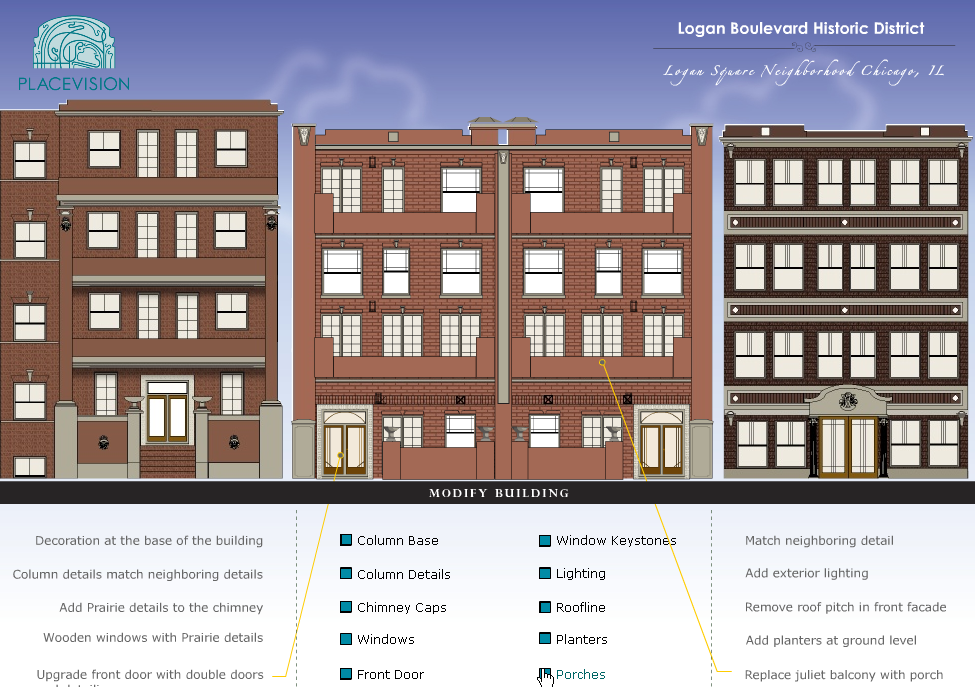
A toolbox full of tools is only good if you know when to use each of them. Just as you buy a drill for the hole, SketchUp and Google Earth are great if you know what to do with them. Hand sketched perspectives evoke the feel of what an intersection could look like but what if you want to switch out densities? Interactivity enables you to turn on and off layers of a drawing to present varying design options.

Imagery combined with data placed on a map is a powerful combination of tools. Data aggregation is increasingly popular such as combining Flickr photos on a Google Map with data from regional, municipal, and county websites to creatively capitalize on existing data infrastructure. When content suppliers are able to make informed decisions based on the mashup, they are more likely to keep their content current. For instance, link zoning ordinances across municipal boundaries on a Google Earth land use map at a regional scale to help planners address regional issues relating to telecommunication towers and green energy. Technology experts can help you create a tool but you must delineate its purpose first. PlaceVision helps planners identify the desired outcomes then implements the most appropriate technology for the job.

Visualization Approach

We can visualize the built environment in a variety of ways, it just depends on the scale of the planning project: block, corridor, district, or city. For example, place-based stories can be told on a map, streetscapes and corridors can be visualized and illustrated from a perspective of standing across the street, city-wide visualization and GIS is best understood using a combination of maps and graphics. Sometimes, a little Photoshop work can produce a graphic that replaces 1,000 words. PlaceVision matches the most appropriate visualization method to the planning objective and has developed a variety of unique applications to speed up the process.

Place-based Stories
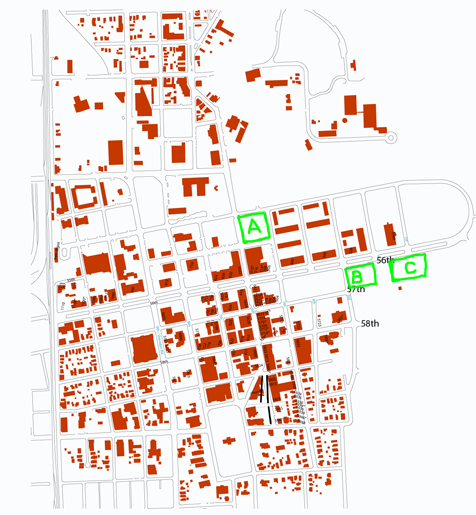
When we are talking about specific places such as an intersection or address, it is best practice to make a make a map and click on that location to view information about that location.
Information bubbles can contain any type of information such as text, photos, video, and illustrations. We use a variety of an application we developed to quickly plot points on a Google Map and showcase them on a website.

Streetscapes
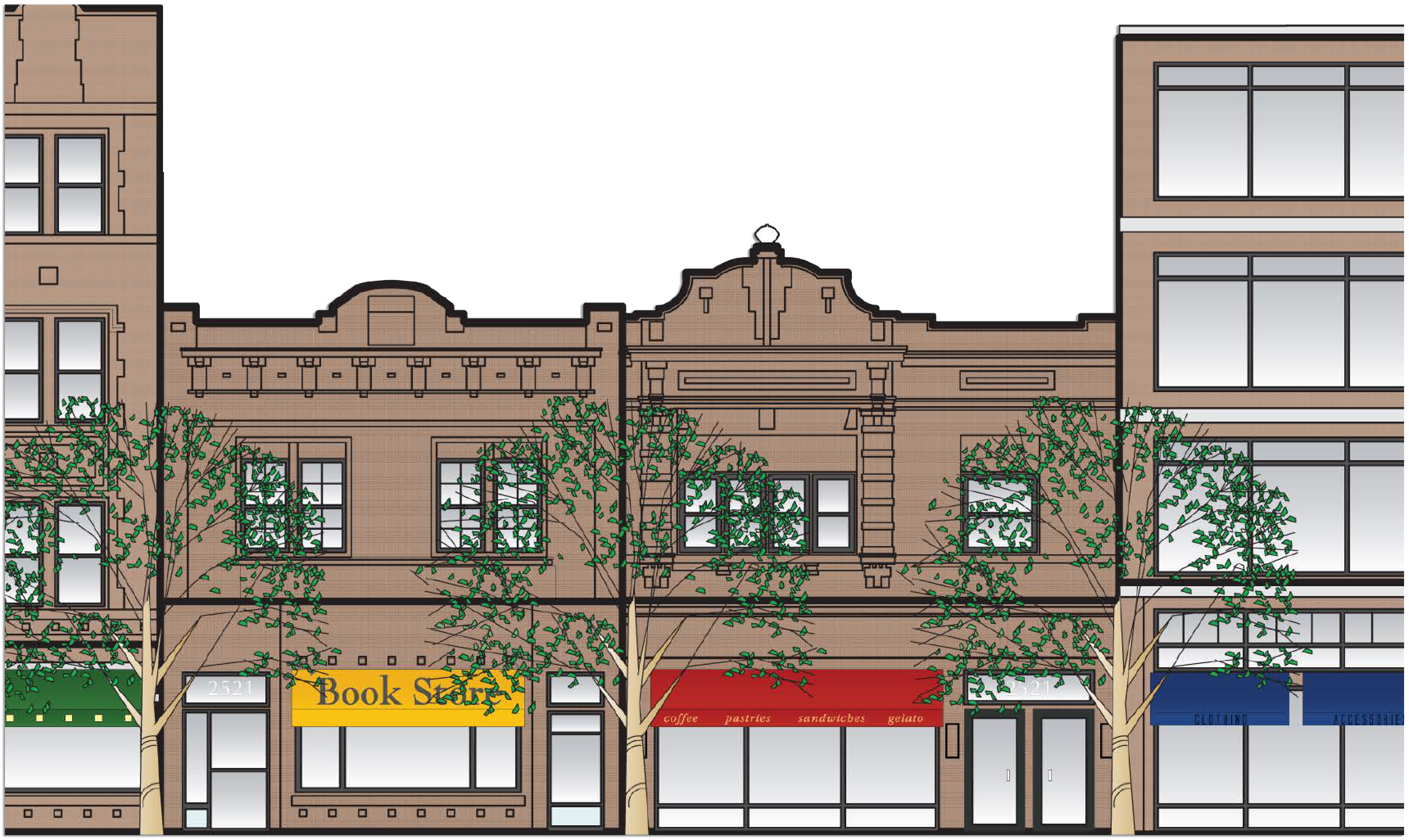
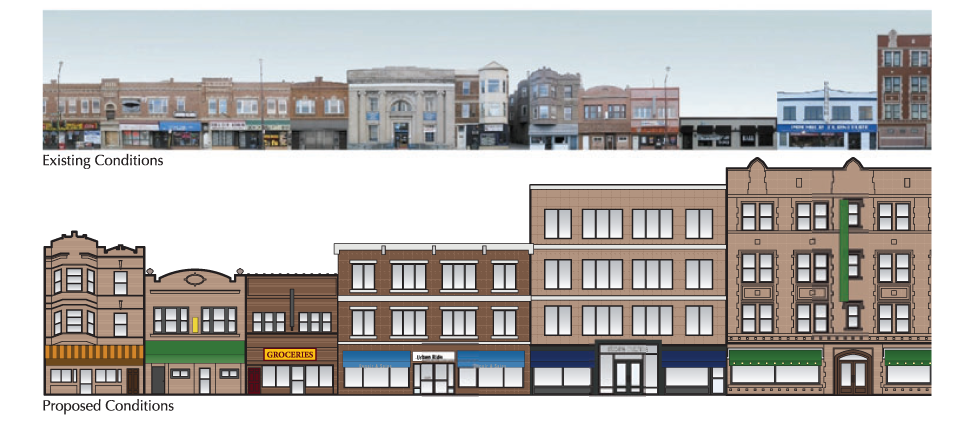
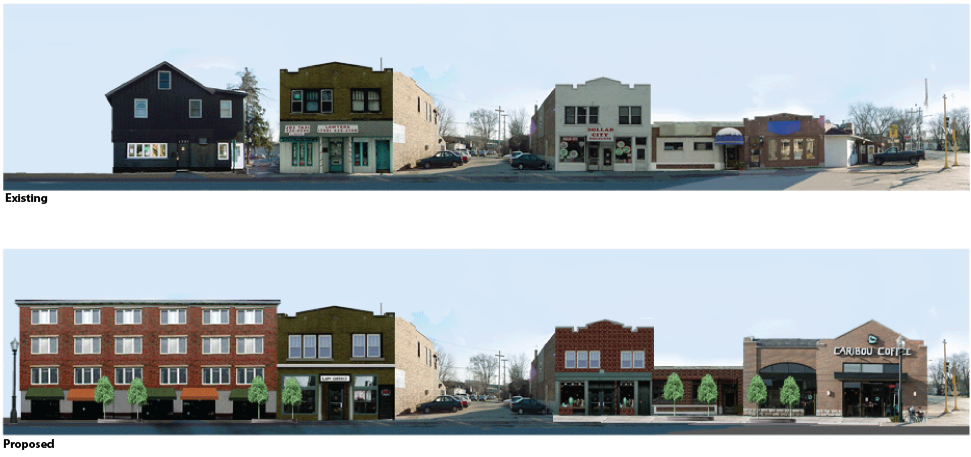
Streetscape improvements can be shown illustrated or as a photo-realistic mock-up. Redevelopment opportunities and facade improvements are best illustrated from the perspective of the viewer standing across the street.

Existing and proposed conditions along a street can be shown in several ways. Photographed buildings show the existing conditions. At the click of a button, we can show proposed improvements. This enables us to turn on and off layers of information which have been helpful in community meetings. To see an example, visit a residential and commercial example.

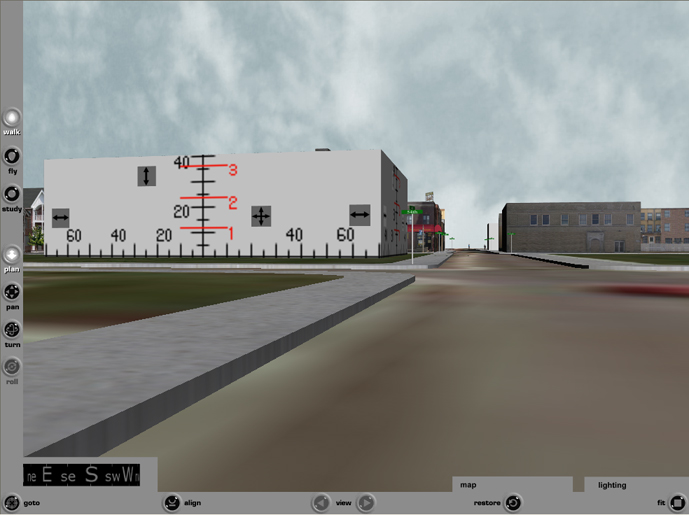
A 3D model can be helpful to explore improvement to corridors. SketchUp and Google Earth enables us to rapidly build photorealistic models and visualize enhancements to individual buildings in context. PlaceVision constructed an interactive 3D model of the Kenosha, WI central area business district to help urban planners (both consultants and municipal planners) visualize appropriate development on key parcels. The model was accessed via a website and DVD to showcase opportunities to developers across the country.

City-wide and Regional Visualization

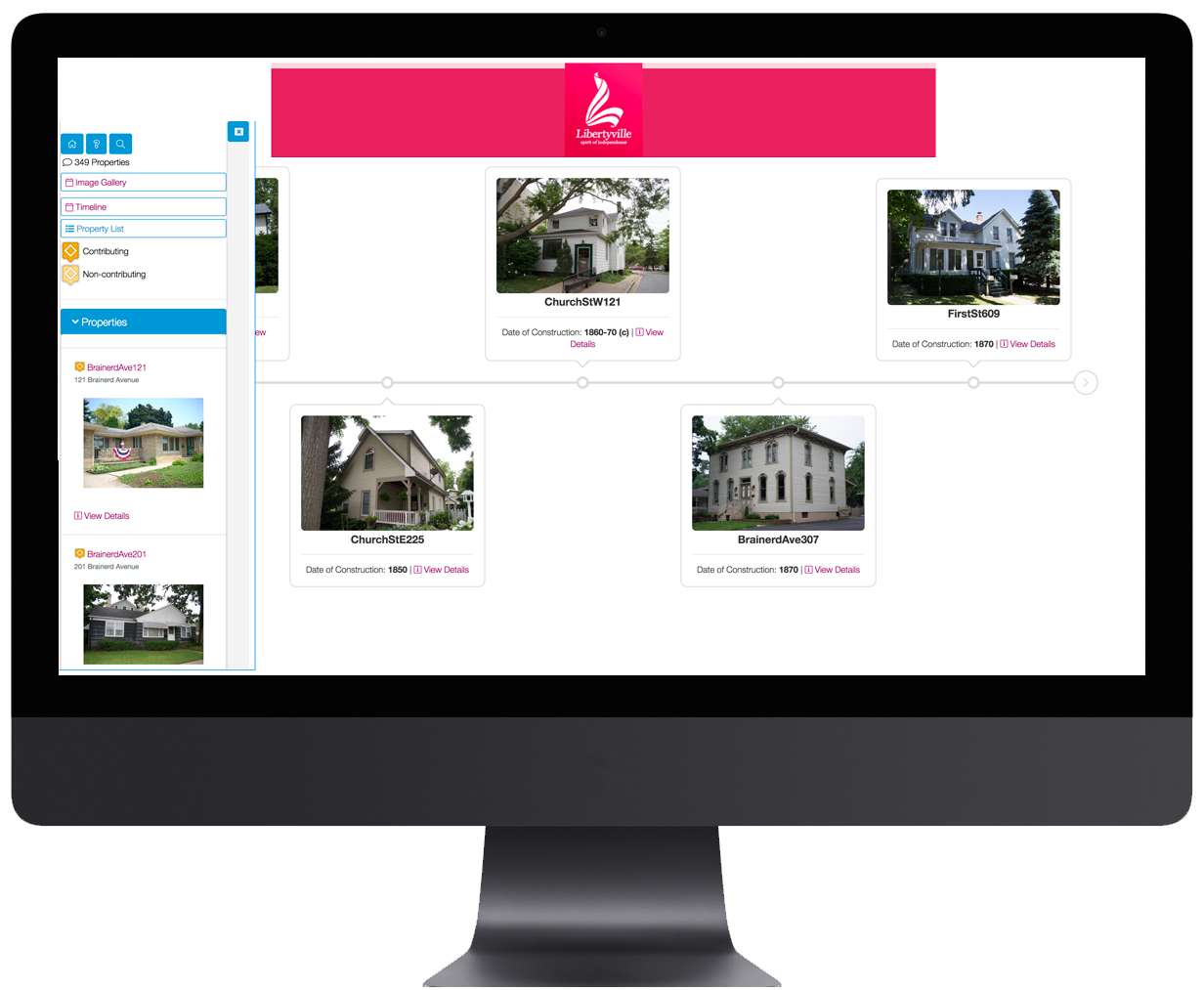
To view opportunities throughout a city, PlaceVision utilizes the power of Google Earth. We developed an application, SiteVista® that links a website database to Google Earth. This enables us to place a marker on the map and attach plans, drawings, images, descriptions and custom fields to an address. You can also add GIS boundaries to the map. The best thing is that it can be managed and updated by multiple administrators without technical skill.

In Buffalo, NY, rather than create a bunch of PDF maps to show the results of a community workshop for the Buffalo Green Code, we overlaid GIS data onto Google Maps to enable citizens to zoom and pan the content easily on the web page next to the summaries. We utilized SiteVista software, to make the creation of these pages easy to manage. Additionally, a Google Earth map containing all the layers of data and workshop summaries was created for the Google Earth power user. Click here to see it in action.

Compare and Contrast
Sometimes the project doesn’t require interactive or 3D graphics to make a point. Using Adobe Illustrator and Photoshop to build one map from multiple maps accomplished the task.

Residents along County Road 13 in St. Augustine, FL organized to appeal the St. John’s County commissioners random approvals of Planned Rural Developments (PRD) near wetlands and a protected Eagle’s nest. In order to properly form their argument, they required guidance around planning issues and assistance interpreting future land use maps to clearly illustrate how the commission’s decisions were not in alignment with the approved plan for the future of this area. A couple of grpahics were created to show approved PRD in contrast with future land use maps. The result: the citizens successfully blocked approval of any more PRDs in this area.

Leave a Reply

Your email address will not be published. Required fields are marked *

You may use these HTML tags and attributes: <a href="" title=""> <abbr title=""> <acronym title=""> <b> <blockquote cite=""> <cite> <code> <del datetime=""> <em> <i> <q cite=""> <strike> <strong>